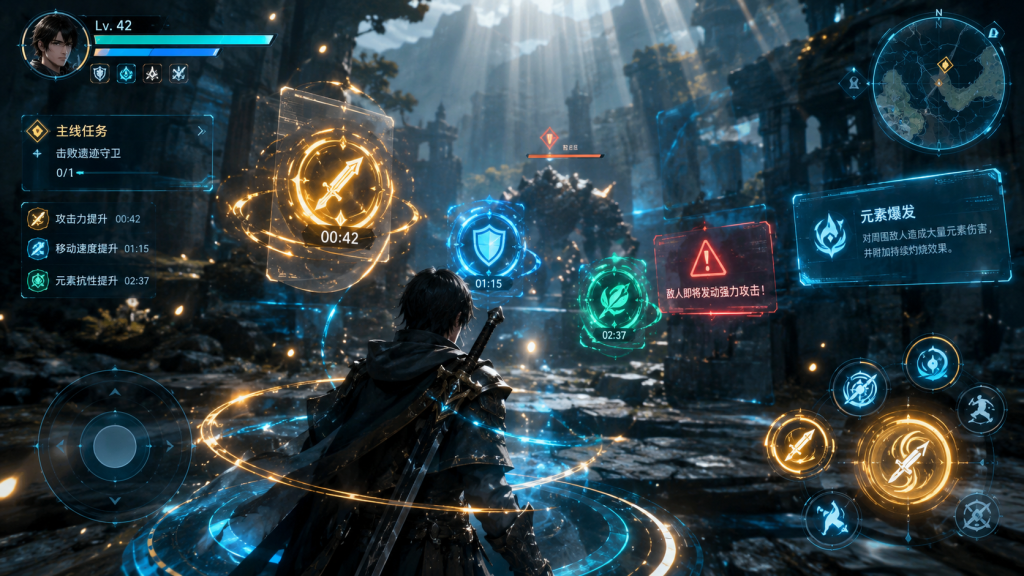
WeakAuras in WotLK 3.3.5a is the single most important addon in the game — it's what displays your cooldowns, procs, debuffs, and boss mechanics in a customizable visual format. On WoW Forever in 2026, a properly configured WeakAuras setup is the difference between a player who dies to mechanics they didn't see and one who doesn't.
This guide is for WoW Forever players in 2026 who want to set up WeakAuras properly. By the end, you'll know how to install it, which class pack to use, how to import boss mechanics auras, and how to customize your display.
Quick answer up front: The essential WeakAuras setup on WoW Forever in 2026 is Class Pack (from your class's community) + WeakAuras Minimap + Keybinds (cooldown display). The 4 pieces together take 30-45 minutes to set up and are the foundation of any serious WotLK player. Boss mechanics auras (from the raid's WeakAuras page) are the 5th piece.
What WeakAuras does and why it matters
The core function
WeakAuras replaces the default cooldown text with custom visual displays:
- Cooldown timers (icons with swirl animations).
- Proc alerts (screen flashes + sounds when a proc fires).
- Debuff tracking (target debuffs on a customizable bar).
- Boss mechanics (timers + alerts for ability cooldowns).
Why it matters in 2026
- Default UI hides critical information. The default action bar shows spell cooldowns in small text. WeakAuras shows them as full-size icons with animations.
- Procs are invisible in default UI. A Fire Mage's Hot Streak proc, a Shadow Priest's Devouring Plague, a Warrior's Overpower — all invisible without WeakAuras.
- Boss mechanics require custom auras. Every 25-man hard mode boss has custom auras (the Fizz, Umbrella, Starfall timers).
The practical implication: any player without WeakAuras is playing at a 15-20% DPS and survivability disadvantage. It's not optional.
Setting up WeakAuras (step by step)
Step 1: Install the addon
- Download WeakAuras from Wowhead's addon database (the 3.3.5a version).
- Extract the folder into `Interface/AddOns/WeakAuras/`.
- Restart WoW.
- `/weak` opens the WeakAuras configuration window.
Step 2: Install the Minimap
WeakAuras has a separate minimap addon:
- Download WeakAuras Minimap from Wowhead.
- Extract into `Interface/AddOns/WeakAurasMinimap/`.
- Restart WoW.
The minimap is essential — it shows your active auras at a glance without opening the main window.
Step 3: Install the keybinds display
- Download WeakAuras Keybinds or auraMenu.
- The Keybinds display shows your class cooldowns in a fixed position (usually near the character frame).
Step 4: Import a class pack
Every class community maintains a "class pack" — a curated set of auras for that spec.
Where to get them:
- Wago.io (the official WeakAuras sharing site, has 3.3.5a section).
- r/wow class subreddits (weekly "PSA: class WeakAura pack" posts).
- Your raid's Discord (many guilds share their own packs).
Importing:
- Copy the import string (looks like `!WA:!a3b2c1…`).
- In-game: `/wa import` (weakauras import command).
- Or paste into the WeakAuras import box.
The 5 essential aura categories
Every serious WotLK player runs these 5 aura groups:
1. Cooldown display (the core)
- All your class cooldowns (Icy Veins, Avenging Wrath, Combustion, etc.).
- Raid cooldowns (Prayer of Fortitude, Rallying Cry, etc.).
- Trinket proc (the trinket use cooldown).
2. Proc alerts
- Damage procs (Overpower, Hot Streak, Blood Presence, etc.).
- Healing procs (Divine Favor, Rapturous Hope, etc.).
- Survival procs (Dodge, Parry, Block).
3. Debuff tracking (target)
- Your major DoT (Schism for Shadow Priest, Eviscerate for Combat Rogue).
- Target debuffs (Sunder Armor for Warrior, Faerie Fire for Feral).
4. Cast bars / interrupts
- Kick / Spell Lockout (your interrupt cooldown).
- Interrupt alerts (when an enemy casts something you can interrupt).
5. Boss mechanics
- Ability cooldowns (the boss's abilities on a timer).
- Ground AoE warnings (flashing circles for bomb phases).
The 3 essential WeakAuras for any spec
If you only install 3 auras, these are the ones:
1. Your class cooldown display
Why: You need to track every raid cooldown. Without it, you'll save cooldowns for the wrong moment.
Example: A Holy Paladin needs to see Aura Mastery, Divine Favor, and Blessing of Kings timers at all times.
2. Your major proc alert
Why: Procs do 15-30% damage / healing. If you don't see them, you're wasting DPS.
Example: A Shadow Priest needs a screen flash when Devouring Plague procs (it heals you 33% of damage dealt).
3. Boss ability timers
Why: Boss mechanics are timed. Without timers, you're reacting instead of anticipating.
Example: ICC's Lady Deathwhisper Enshroud — you need to know when it's coming.
Custom auras (the advanced tier)
How to make a custom aura
- Open `/wa`.
- Click "New" → "Import or Create".
- Choose trigger type (e.g., "Cooldown", "Cast", "Status", "Spell").
- Set the conditions (e.g., "Spell is FROSTBOLT" → "Show on Procs").
- Choose the display (icon, text bar, progress bar).
- Save and drag to your screen.
The 3 most useful custom auras
- "My Trinket" — a cooldown aura for your trinket proc.
- "Target Debuff Timer" — a timer for how long your DoT is on the target.
- "Personal Cooldown Warning" — a screen flash at 5 seconds before a major CD is ready.
Safety: importing auras from untrusted sources
WeakAuras strings are executable Lua code. A malicious aura can:
- Read your chat.
- Log your keystrokes.
- Run arbitrary code.
The safe import rules:
- Only import from Wago.io (the official community site with moderation).
- Never import from random forums or YouTube video descriptions.
- Check the aura's author and comment count — popular auras have 1,000+ imports.
- Use the "Test" button before enabling.
Frequently Asked Questions
Does WeakAuras cost performance?
Minimal. A properly optimized set (30-50 auras) costs 2-5% FPS on a modern PC. The default WeakAuras install with 100+ auras can cost 10-15% FPS — prune unused auras.
Should I use WeakAuras or WeakAura's competition?
WeakAuras is the standard. There's no real competition in WotLK 3.3.5a (unlike retail where WeakAuras 2.x is standard).
Can I import retail WeakAuras strings?
No. Retail WeakAuras strings use a different API version. Only import 3.3.5a-specific strings from Wago.io's 3.3.5a section.
Do I need both WeakAuras and Quartz?
Quartz is optional. Some players use both (Quartz for simple timers, WeakAuras for complex displays), but WeakAuras alone covers 95% of use cases.
Should I install the WeakAuras author pack?
No. Third-party author packs often contain unneeded auras for your spec. Import a class pack from Wago.io instead — it's cleaner and spec-specific.
Do WeakAuras work with the official WotLK client macros?
Yes. WeakAuras can trigger the same commands as regular macros. If you're on WoW Forever in 2026, the 3.3.5a WeakAuras version is fully compatible.
Where do I find boss mechanics auras for ICC?
Wago.io (ICC section) + your guild's Discord. Every serious ICC progression group shares a curated boss-mechanics aura pack. Ask in your guild Discord before raiding.
Conclusion
WeakAuras in WotLK 3.3.5a is the most important addon in the game. The essential setup is Class Pack + Minimap + Keybinds + Boss Mechanics Auras, which takes 30-45 minutes.
Every serious WotLK player runs 5 aura categories: cooldowns, procs, debuffs, interrupts, and boss mechanics.
If you're setting up WeakAuras on WoW Forever in 2026:
- Install WeakAuras + Minimap + Keybinds.
- Import your class pack from Wago.io (3.3.5a section).
- Add your raid's boss mechanics auras.
- Only import from trusted sources — auras are executable code.
WeakAuras installed. Class pack imported. Boss auras added. That's the WotLK UI foundation.
If you want the visual foundation sorted first, see the WoW Forever Best Addons for WoW Forever: Beginner Setup (2026) for the full addon stack (Recount, Omen, DBM, Auctioneer, Bagnon, Bartender4) before diving into WeakAuras customization. For keybind layout to pair with your aura display, see the WoW Forever Macros and Keybinds Guide (2026).
Sources and references used in this guide: WotLK 3.3.5a WeakAuras configuration data, the Wago.io 3.3.5a aura library, and the WoWHead WotLK WeakAuras Index.